


High Precision Capacitive Technology
Support Windows 11/Linux/Ubuntu and Other Operating Systems
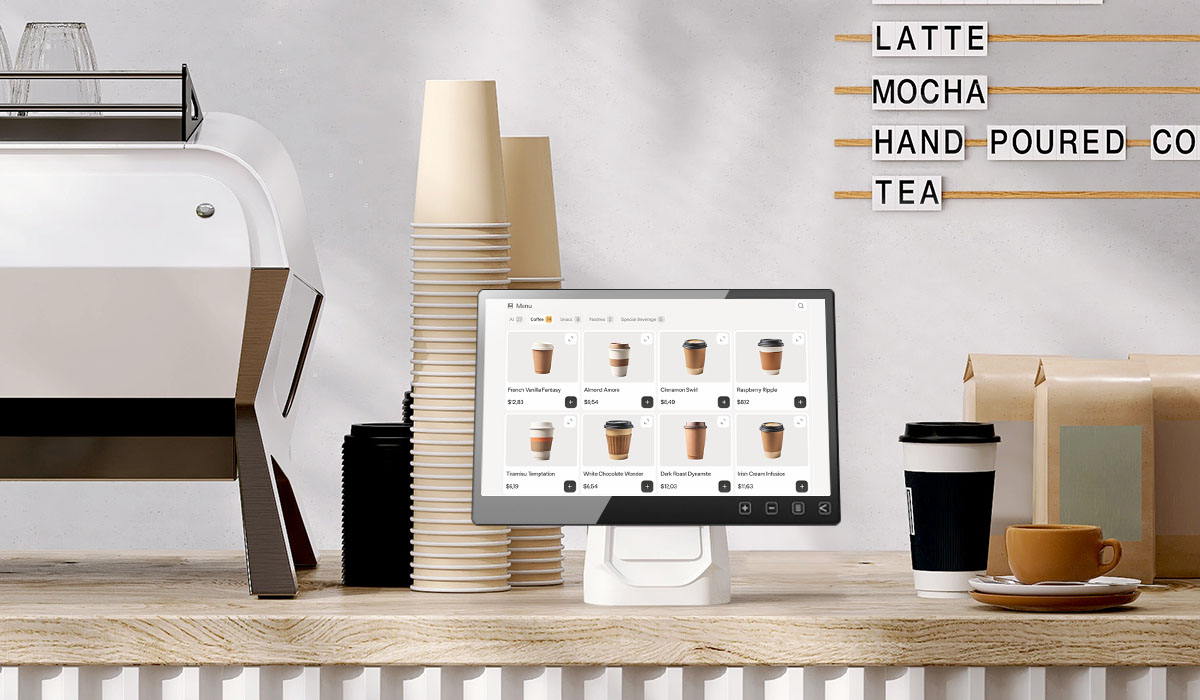
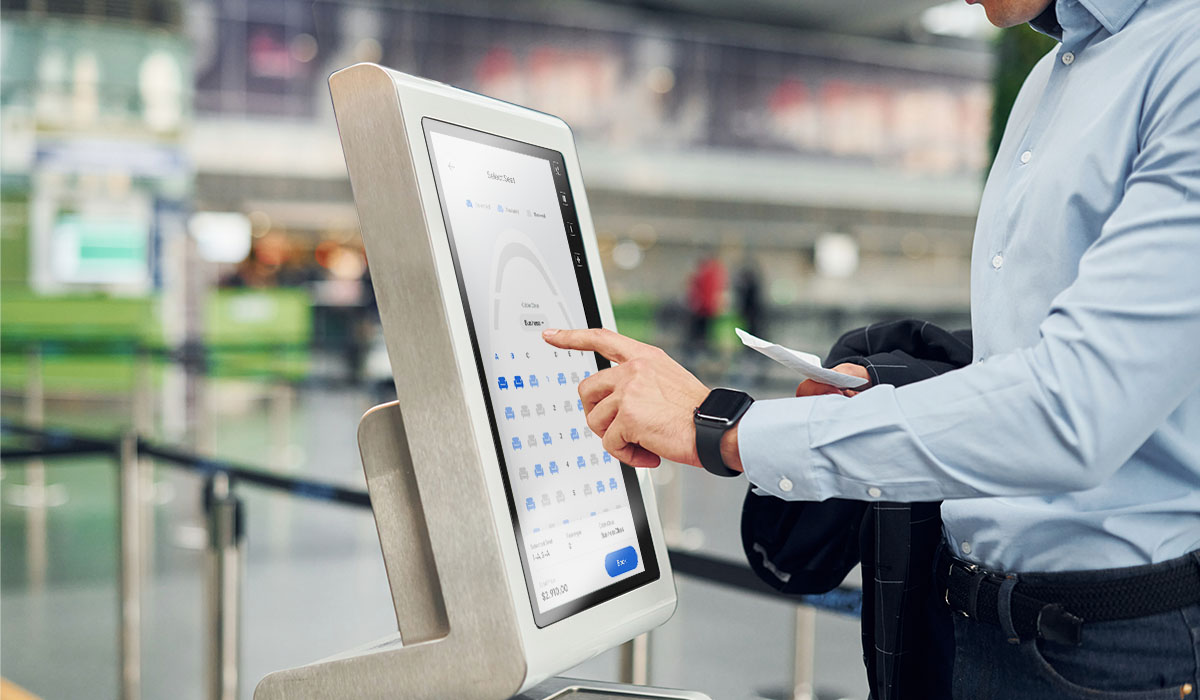
Equipped with capacitive touch panel, the monitor has excellent precision and speed. It transmits touch signals through the USB port, which is plug & play and supports Windows 11/10 ten-finger touch recognition with no drivers needed. It is also compatible with Linux, Ubuntu, Raspberry Pi OS and Chrome OS, providing diverse development environments and more intuitive user interfaces. T151E touchscreen monitor is easy to use and highly compatible with various computers, and industrial control equipment for easily building various control platforms, educational machines or interactive digital signage, etc.
*If the version of Linux does not enable touchscreen support, please contact your OS distributor to enable the "HID multi-touch panels" function.
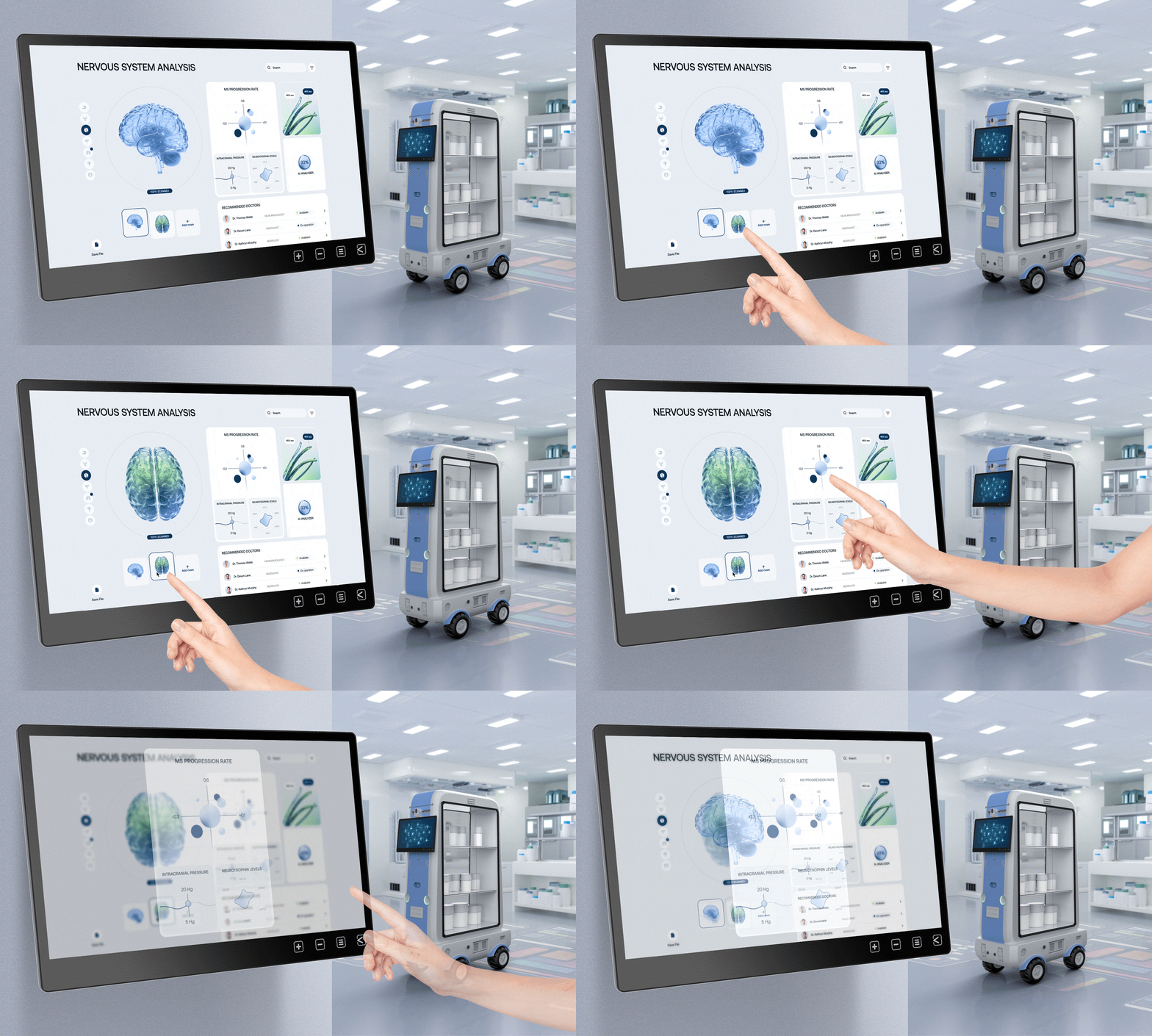

FHD 1080P
Offer delicate resolution and present lifelike picture
HDMI
Include HDMI-A standard interface, highly compatible with every device

USB Type-C
Support DP Alt mode to deliver audio & video, touch signals and power

Adjustable Touch Sensitivity
Provides two options – 0 and 100 – to suit for different touch applications

10-Point Multi-Touch
Support Windows 11/ 10 touch gestures

AF Anti-Fingerprint Coating
Covered with nano-coating, it can effectively reduce fingerprint residue and is easy to clean, keeping the surface bright and clean.

Oleophobic and Hydrophobic
Utilize the lotus leaf effect (lotus effect) to increase the contact angle between water molecules and glass, making water vapor less likely to remain.



Smooth and Easy to Clean
The coating can fill the pores on the glass surface and restore it to cleanliness with a gentle wipe.
Gloves/Wet Fingers/Stylus
Touch Like No Boundaries with Various Materials
Even with slightly wet and sweaty fingers, the screen can be directly operated. For more precise input or handwriting, it can be used smoothly with a stylus with a front conductive rubber or plastic disc larger than 6mm. Users wearing gloves can operate directly without taking off their gloves, which is particularly convenient.
*Support some activated styluses with enough electromagnetic induction, such as Adonit® Dash 3/Adonit® Neo Duo.


7.5M Remote Touch Transmission
Connecting USB Cable Serially Breaks the Distance Limit
T151E focuses primely on the quality of signal transmission, and can be adapted to various operating environments and distance requirement. When T151E touchscreen monitor is located far from the host, by connecting to the included 12V adapter to power the monitor independently, and chaining USB-A to USB-C power and touch signal cable with several 1.5-meter USB-A (male) to USB-A (female) extension cables(optional), the total length of the cables can be up to 7.5 meters, which effortlessly solves the main challenge in long-distance touch signal transmission.
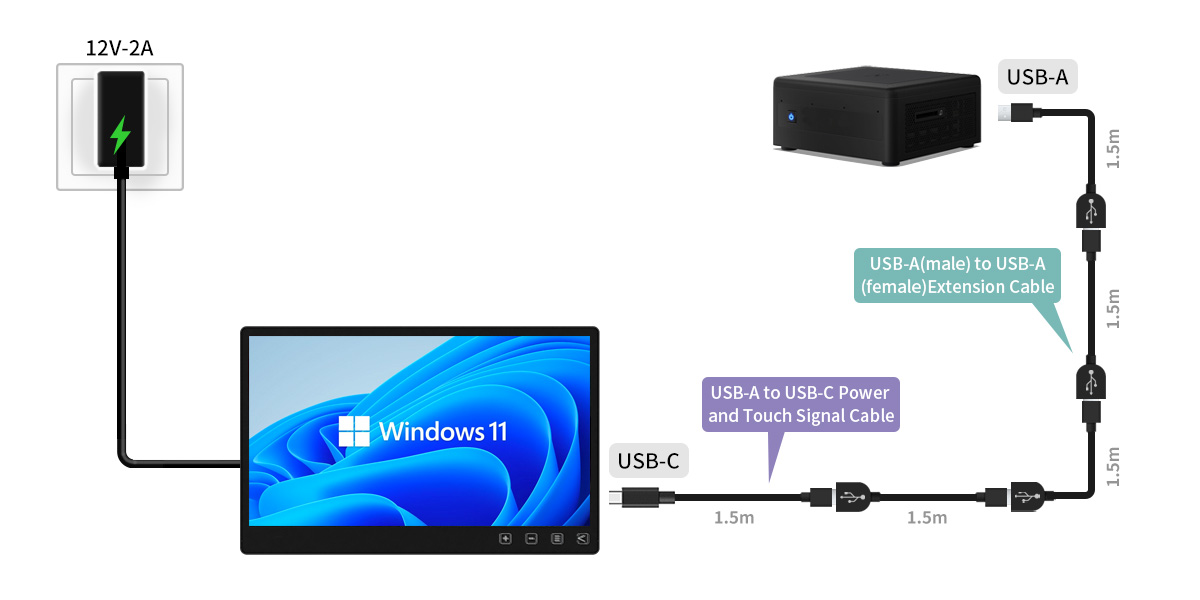
*When connecting to the 12V adapter, the monitor will automatically stop drawing power from the USB input.
*When extending USB cable, please use the 12V adapter to power the monitor.
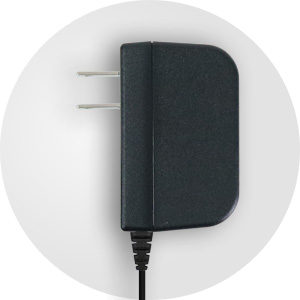
Applicable to 12V & 5V
Support 5V 1.6A voltage input. When extending USB power and touch cable for a long distance, use the 12V adapter to improve voltage attenuation!
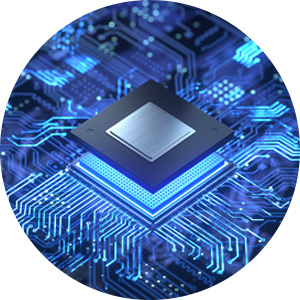
Built-in USB Gain IC
T151E adopts USB gain IC to strengthen the touch signal transmitted via USB, and effectively remedies the signal attenuation due to the extension of the cable length, enabling the USB cable to be extended up to 7.5 meters.
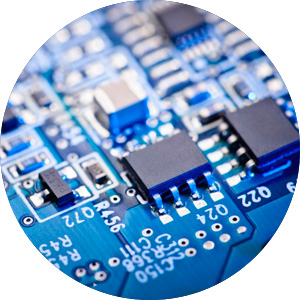
Anti-Jamming Technology
Adopt the new version of IC with high noise immunity to prevent the touch signal from being interrupted by power noise, maintaining the touch accuracy and stability.
Industry-Leading Dual Inputs
Build a Powerful Touchscreen Machine by –
HDMI & USB Type-C
The ports are converged on the I/O block at the back of the monitor, including a standard HDMI-A port, which is suitable for standard commercial, industrial computers and laptops, etc. In view of the new generation computers keeping rolling out, the T1 series monitors adopt the USB-C interface, which support both Thunderbolt 3, Thunderbolt 4 audio and video signal input. The industry-leading interface can perfectly adapt to multiple devices.
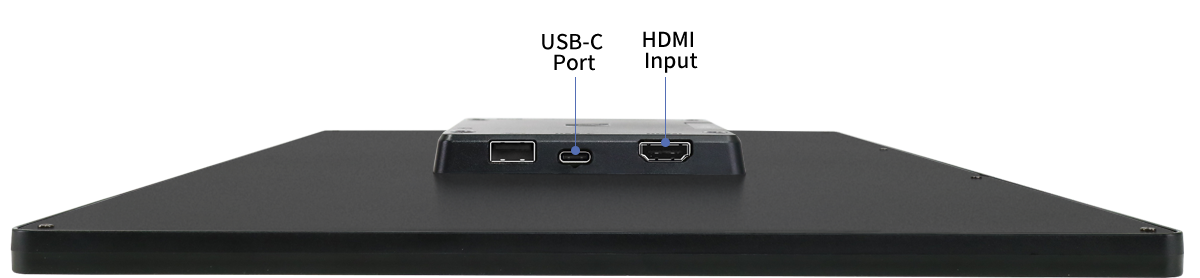

HDMI
Desktop

Industrial PC
Embedded PC
Single-board computer
mini PC

Camera
USB Type-C

Smartphone
mini PC

Laptop
USB-A Port
for Expandability & Quick Installation
When using the USB-C port of the T1 monitor to connect to the computer, the USB-A port on the monitor can be used as the USB port of the computer for connecting to a mouse, keyboard, USB flash drive, microphone or web camera, etc. When the monitor is far from the host, the USB external device can be connected to T1 monitor without having to go far!
*When using USB-A as the expansion port of the host/computer, the monitor must be connected to the 12V adapter.
USB-A

Mouse
Keyboard
Flash Drive
Web Camera

Barcode Scanner
Card Reader


Simple & Capable for Embedded Design
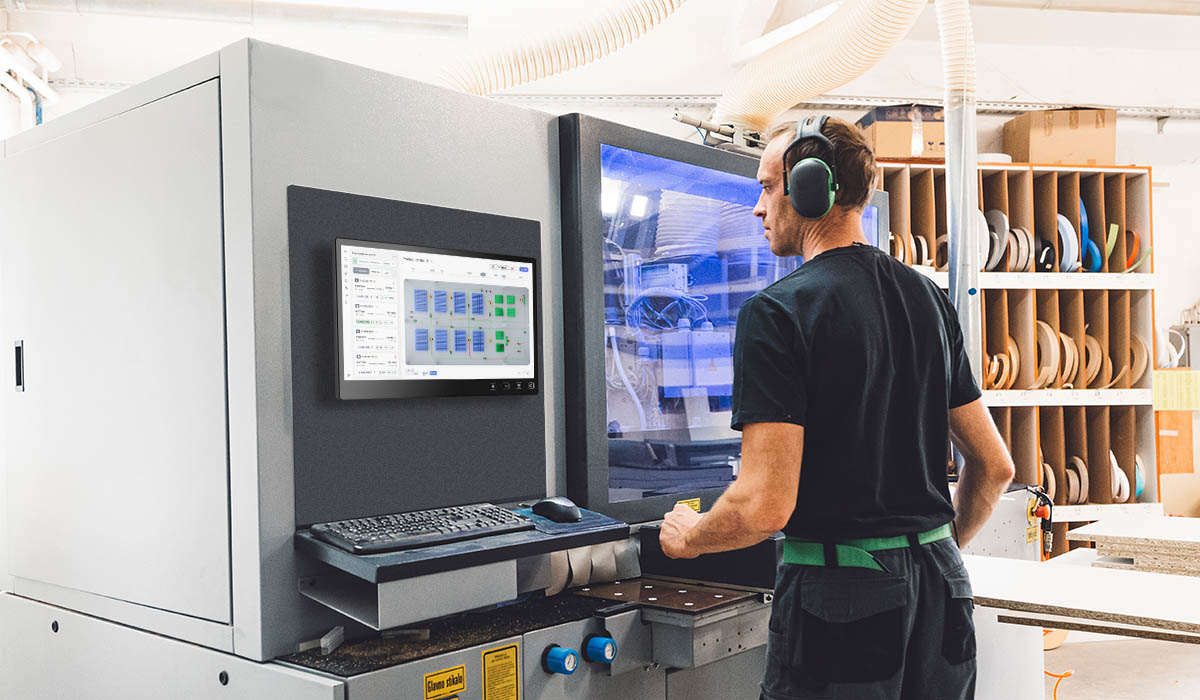
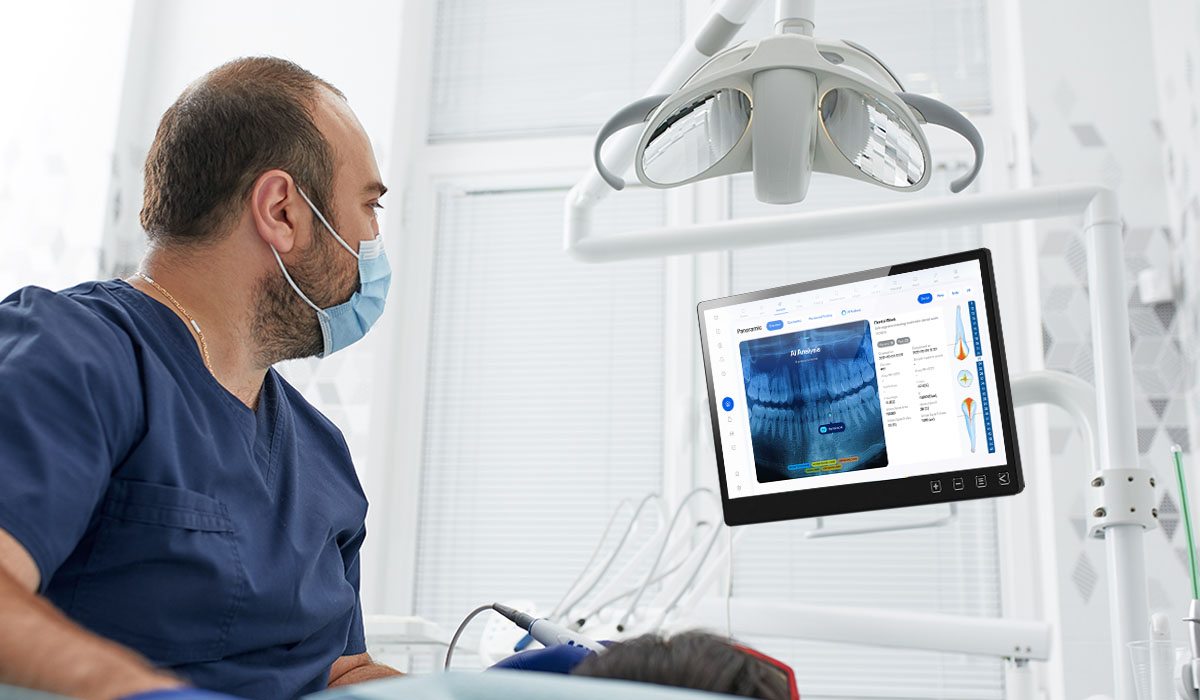
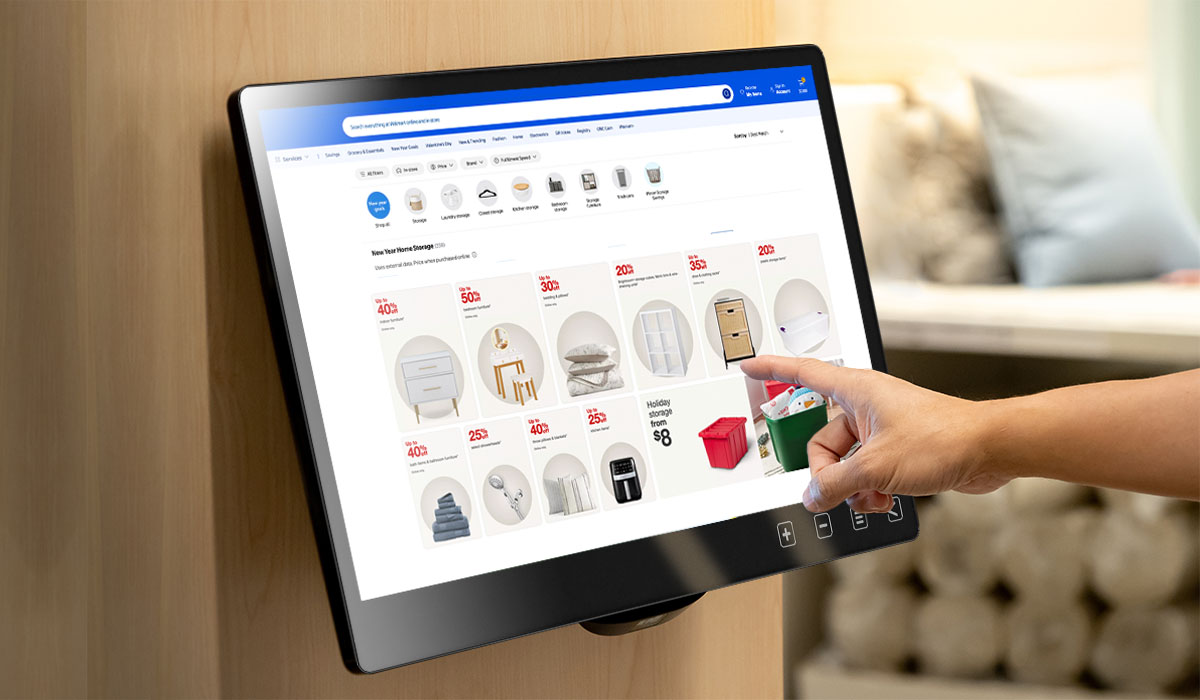
The front of T1 monitor is fully plat glass, incorporating touch sensitive OSD buttons for easy access to OSD menu configuration. In addition, the rear I/O ports simplifies wiring issues. When building a touchscreen machine or equipment, the monitor can be perfectly integrated into the hardware design to build a one-body formed appearance.

OSD Button Lock to Prevent Accidental Touch
You can select "OSD Button Lock" in the OSD menu to avoid accidental touch.


High-Strength Body Design
Built with Durability in Every Detail
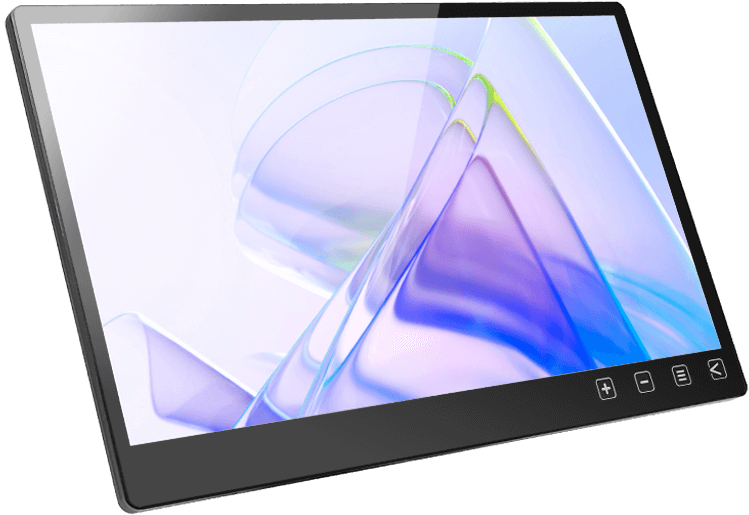
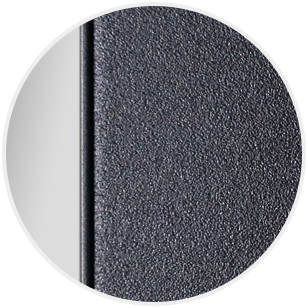
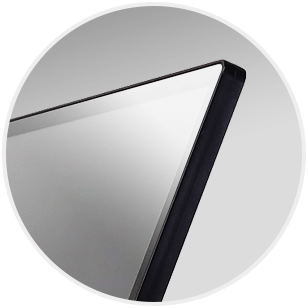
The monitor is designed by solid and reliable structure. The front touch panel is covered with 7H high-hardness glass featuring the advantage of scratch resistance, dirt resistance and easy cleaning; the back is made of light and high-strength aluminum alloy backplane. The monitor integrates the ports and VESA screw mounting holes on the rear I/O block within only 11mm thickness. This design keeps the monitor slim and gives it a high-tech commercial appearance while maintaining industrial-grade durability, making it well-suited for production lines, machine rooms, and commercial spaces.
1.8mm
Toughened Glass
1.2mm
Aluminum Alloy Backplane
20.6mm
Thickness

Flexible & Stable VESA 75 Mount
To maximize mounting strength with minimal body thickness, the T1 monitor features VESA 75 screw holes on the back, which allows the monitor to fit any space and meet the requirements of installing to machine and mount securely to any kinds of stands.

Wall-Mounted
Use with the 75mm×75mm wall mount bracket on the market to fix the monitor on the wall.


Dual-Purpose Wall &
Desktop Stand
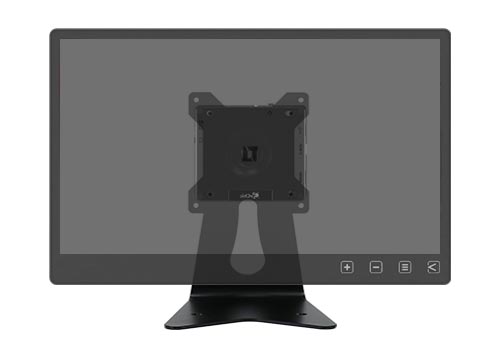
With VESA 75 mounting holes on the T1S2 stand(optional), the monitor can be placed on a desk or mounted on the wall. It extends the wall-mount distance, positioning the monitor for comfortable touch operation.


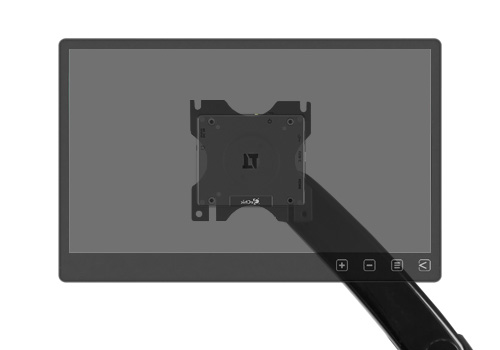
Monitor Arm
Just need to use four M4 screws for installing the T1 monitor to the monitor arm.


Optional Accessory of T1 Series
All-Round Direction with Stability
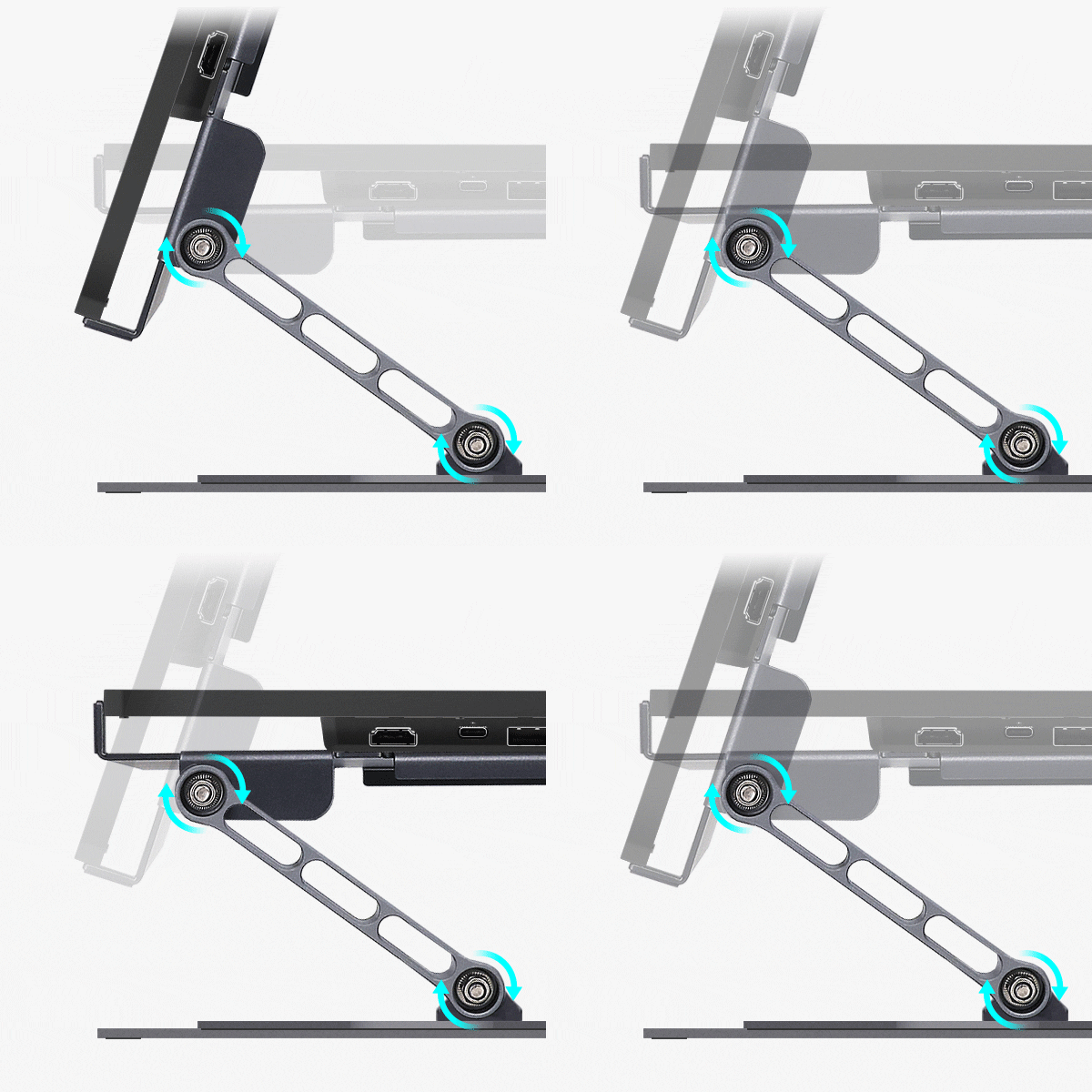
The T1S5 stand is made of aluminum alloy and stainless steel, features a firm, durable, high-strength structure. Using the VESA 75 screw holes on the T1 touch monitor can achieve both horizontal and vertical setup. The turntable supports 360-degree rotation, allowing change the direction of the display quickly and intuitively! This stand is born for touch applications. With its wider span of the support arms and larger base, it can provide stable support for touch operations.





What in the Product Pack
