


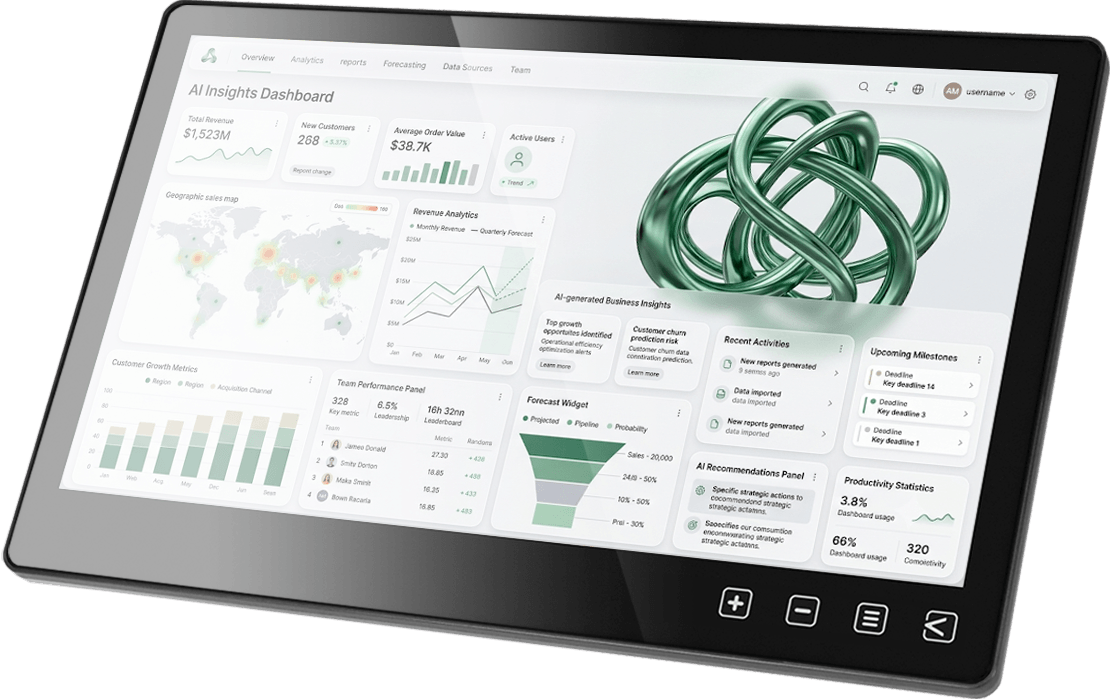
Full HD Resolution × High Contrast
Vivid Visuals for an Immersive Experience
The T111B touch monitor features a 170° wide viewing angle, 1920×1080 resolution, and 72% NTSC color gamut, delivering sharp and detailed images. With a high native contrast ratio of 1000:1, it renders natural highlights and shadows with depth and clarity. Combined with 300 nits of brightness, it ensures vibrant and comfortable visuals—whether you're displaying text, graphics, or videos.

1080P
FHD

72%
NTSC Color Gamut

1000:1
Contrast Ratio

300nits
Brightness


Projected Capacitive Touch Panel
Smooth and Responsive, Supporting Windows 11/Linux/Ubuntu Systems
Equipped with a highly responsive capacitive touch panel, the monitor delivers touch accuracy and precision. Touch signals are transmitted via the USB port, enabling plug-and-play functionality and 10-point multi-touch support on Windows 11/10– no drivers required. It is also compatible with Linux, Ubuntu, Raspberry Pi OS, and Chrome OS, offering an intuitive interface for a wide range of development environments. With broad compatibility across various computers and industrial control systems, it is perfect for diverse applications such as interactive digital signage, educational tools, and human-machine interfaces (HMIs).
*If the version of Linux does not enable touchscreen support, please contact your OS distributor to enable the "HID multi-touch panels" function.


FHD 1080P
16:9 panel, 1920x1080 16.7M full-color HD image, delivers stunning detail

Anti-Fingerprint
Nano coating reduces fingerprint residue, easy to clean, stays clear and bright

Adjustable Touch Sensitivity
Provides two options – 0 and 100 – to suit for different touch applications

10-Point Multi-Touch
Supports Windows 11/10 official touch gestures
HDMI
Standard HDMI-A video input, high compatibility with various devices

USB Type-C
Supports DisplayPort Alt Mode, transmits video, touch, and power

Oleophobic and Hydrophobic
Utilize the lotus leaf effect (lotus effect) to increase the contact angle between water molecules and glass, making water vapor less likely to remain.



Smooth and Easy to Clean
The coating can fill the pores on the glass surface and restore it to cleanliness with a gentle wipe.
Support Various Touch Media
Gloves/Wet Fingers/Stylus
Even with slightly wet and sweaty fingers, the screen can be directly operated. For more precise input or handwriting, it can be used smoothly with a stylus with a front conductive rubber or plastic disc larger than 6mm. Users wearing gloves can operate directly without taking off their gloves, which is particularly convenient.
*Support some activated styluses with enough electromagnetic induction, such as Adonit® Dash 3/Adonit® Neo Duo.


7.5M Remote Touch Transmission
Optimized Touch Signal for Reliable Performance Over Distance
With the built-in USB gain and anti-jamming technology, the monitor enhances the transmission capability of touch signals, ensuring optimal performance in various operating environments and distance requirements. When the touch monitor is positioned far from the host, it can be powered independently using a 12V power adapter. It can use qualified USB-A cables to extend the transmission distance between the monitor and the host up to 7.5 meters, overcoming long-distance wiring challenges.

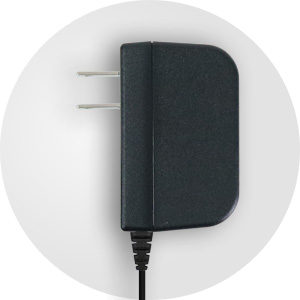
Applicable to 12V & 5V
Support 5V 1.6A voltage input. When extending USB power and touch cable for a long distance, use the 12V adapter to improve voltage attenuation!
Built-in USB Gain IC
The T1 series adopts USB gain IC to strengthen the touch signal transmitted via USB, and effectively remedies the signal attenuation due to the extension of the cable length, enabling the USB cable to be extended up to 7.5 meters.
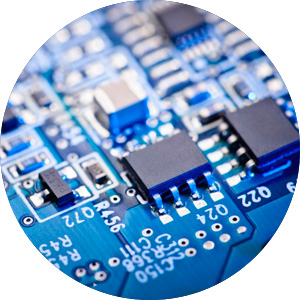
Anti-Jamming Technology
Adopt the new version of IC with high noise immunity to prevent the touch signal from being interrupted by power noise, maintaining the touch accuracy and stability.
Industry-Leading Dual Inputs
Build a Powerful Touchscreen Machine by –HDMI & USB Type-C
The ports are converged on the I/O block at the back of the monitor, including a standard HDMI-A port, which is suitable for universal commercial, industrial computers and laptops, etc. In view of the new generation computers keeping rolling out, the T111B monitor adopts an USB-C interface, which support both Thunderbolt 3, Thunderbolt 4 video signal input. The industry-leading interface can perfectly adapt to multiple devices.


HDMI

Desktop

Industrial PC

Embedded PC
Single-board computer

mini PC

Camera
USB Type-C

Smartphone
mini PC

Laptop
USB-A Port for Expandability & Quick Installation
When using the USB-C port of the T1 monitor to connect to the computer, the USB-A port on the monitor can be used as the USB port of the computer for connecting to a mouse, keyboard, USB flash drive, microphone or web camera, etc. When the monitor is far from the host, the USB external device can be connected to T1 monitor without having to go far!
*When using USB-A as the expansion port of the host/computer, the monitor must be connected to the 12V adapter.
USB-A

Mouse
Keyboard
Flash Drive

Web Camera

Barcode Scanner
Card Reader


High-Strength Body Design & High Durability
The monitor is designed by solid and reliable structure. The front touch panel is covered with 7H high-hardness glass featuring the advantage of scratch resistance, dirt resistance and easy cleaning; the back is made of light and high-strength aluminum alloy backplane. The monitor integrates the ports and VESA screw mounting holes on the rear I/O block within only 11mm thickness. The monitor is not only with slim and high-tech appearance meeting commercial needs, but also with strong durability in line with industrial requirements, which makes the monitor well-suited for production line, machine room and commercial space.
1.1mm
Toughened Glass
1.2mm
Aluminum Alloy Backplane
20.3mm
Thickness
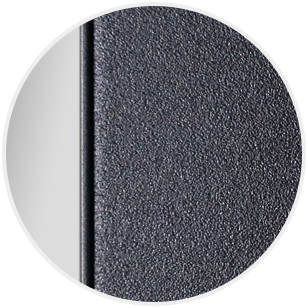
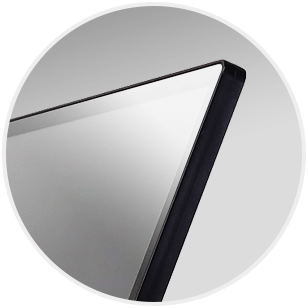


True-Flat Touchscreen Glass
Perfectly for Embedded Device
The front of T111B monitor is fully plat glass, incorporating touch sensitive OSD buttons for easy access to OSD menu configuration. In addition, the rear I/O ports simplify wiring issues. When building a touchscreen machine or equipment, the monitor can be perfectly integrated into the hardware design to build a one-body formed appearance.

OSD Button Lock to Prevent Accidental Touch
You can select "OSD Button Lock" in the OSD menu to avoid accidental touch.


Dual Installation Flexibility! Wall-Mount & Rear-Mount


Built-in VESA — Ready to Mount
The T11 features a true flat touch glass, ultra-slim bezel, and a sleek aluminum back panel. It can be directly mounted to VESA 75 wall brackets, arms, or desktop stands.
Add-On Mounting Frame for Easy Embedding
Secure the mounting frame plates to the monitor to provide an additional front-bezel embedding option. This makes it easier to integrate the T11 touch monitor into industrial PCs, mini PCs or other touch systems by rear-mount installation.


Optional Accessory of T1 Series
T1S2 Desktop Stand, As Stable as a Mountain
It is an optional accessory for the T1 monitor. Using SPCC cold-formed steel with black plaint as the main material, T1S2 is not only durable but also classic in look. Use the VESA 75 screw holes to securely install the monitor to the stand at reception desk, counter, or any table to set up a delicate commercial touchscreen display.


Landscape


Portrait
Optional Accessory of T1 Series
All-Round Direction with Stability
The T1S5 stand is made of aluminum alloy and stainless steel, featuring a strong and durable structure. It supports both horizontal and vertical installation via the VESA 75 screw holes on the back of the T1 monitor. The 360-degree turntable allows quick, intuitive adjustment of monitor direction. Designed for touch use, the T1S5 has a wide arm span and a broad base for stable, reliable support during operation.




What in the Product Pack
