
What is VESA Mount? Read Before Mounting Monitors to VESA Mount
2026/06/12 Updated |By G Editor
VESA is the abbreviation of "Video Electronics Standards Association", which has formulated many related standards for video and display peripheral functions. Among them, the flat display mounting interface (Flat Display Mounting Interface), also known as the VESA mounting interface standard (VESA Mount Interface) or VESA mounting (VESA Mount), regulates the interface standard for monitors, TVs, etc. to be mounted on a monitor bracket or wall mount.
What is VESA Pattern?
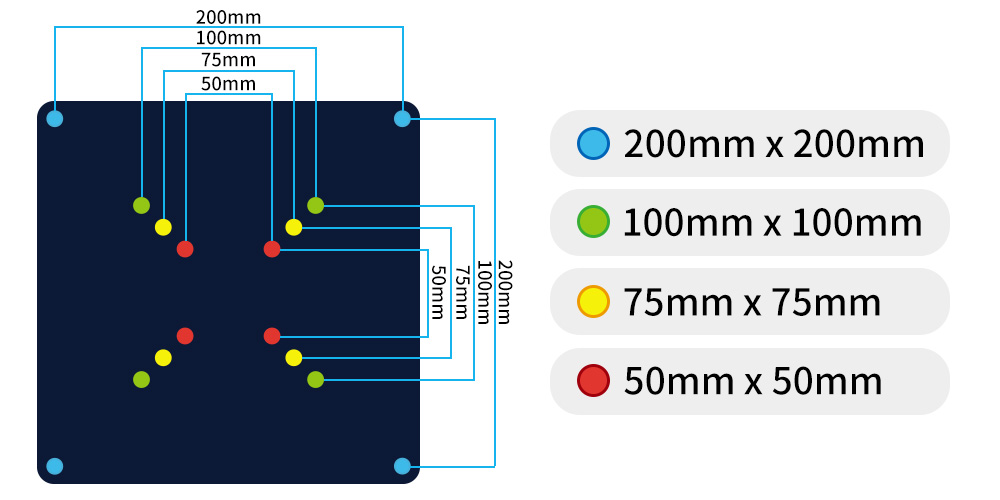
The VESA mounting interface defines the distance between the 4 screw holes on the bracket or behind the screen. Take the most common FDMI MIS-D as an example. VESA 100x100 means that the horizontal and vertical intervals of the screw holes are both 100mm, and VESA 75x75 is 75mm. When installing, just align the screen with the same pitch with the bracket holes and lock the screws to fix the screen to the bracket.
| VESA Standard | Hole Pattern (WxH)(mm) | Screen Size | Screen Weight |
| MIS-B | 20×50 | ≥ 4 inch | 2 kg |
| MIS-C | 35×75 | ≥ 8 inch | 4.5 kg |
| MIS-D 75mm | 75×75★ | ≥ 12 inch | 8 kg |
| 50×75 | |||
| MIS-D | 100×100★ | ≥ 12 inch | 14 kg |
| 50×100 | |||
| MIS-E | 100×200 | ≥ 23 inch | 22.7 kg |
| MIS F M6 | 200×200 | ≥ 31 inch | 50 kg |
| 200x200 above | |||
| MIS F M8 | 200×200 | ≥ 31 inch | 113.6 kg |
| 200x200 above |
What is VESA Mount ?
The VESA mount is generally desk or wall swivel arms with a bracket which is made according to the VESA standard formulated by the association. Secure monitors, TVs, and even home appliances onto the steel bracket and allow you to flexibly reposition above your wall or desk.
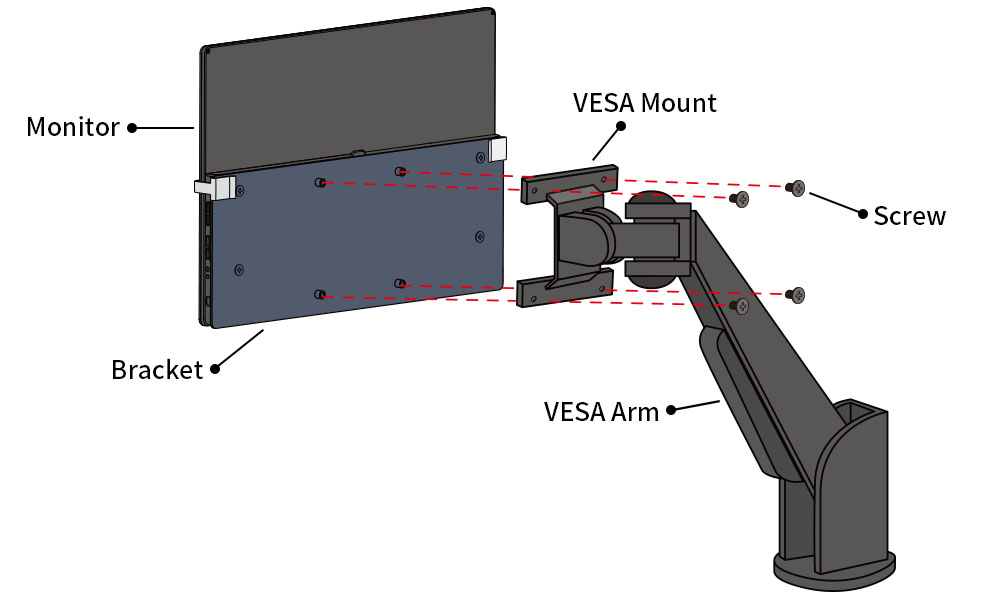
Advantages of Using VESA Mount Interface
✅ Maximum Compatibility: The hole spacings and screws are standardized. Just make sure the bracket and the monitor are the same VESA pattern, and it can be installed.
✅ Low Installation Cost: usually screw 4~8 screws up to install the monitor firmly.
✅ Variety of Bracket Options: A wide range of VESA-compliant brackets or wall mounts are available to support the display needs of various locations.
✅ Improve Space Utilization: In addition to preventing accidental dumping during earthquakes, it also saves desktop space in homes, commercial spaces, and factories.
Common VESA Mount Types
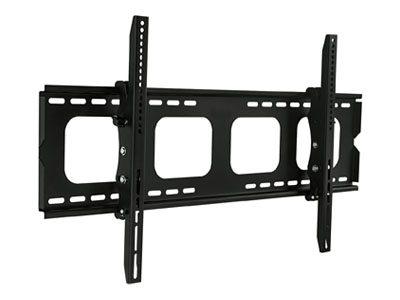
Fixed Wall Mount
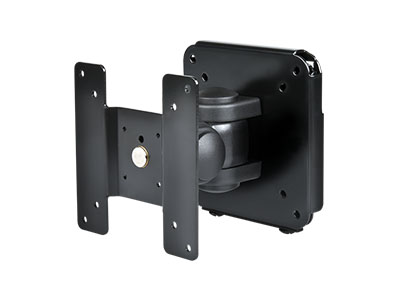
Adjustable Wall Mount
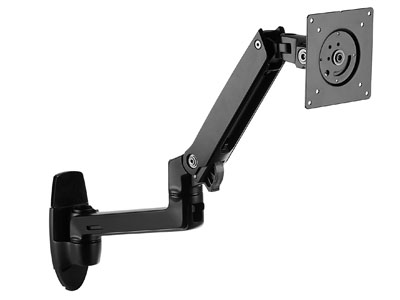
Monitor Arm
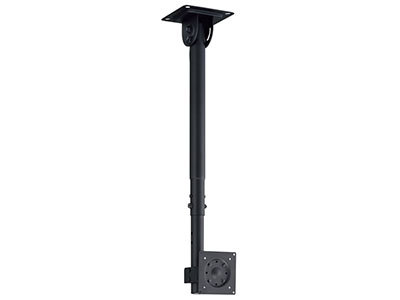
Ceiling Monitor Mount
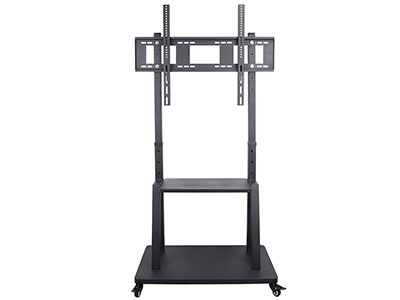
Rolling Monitor Stand
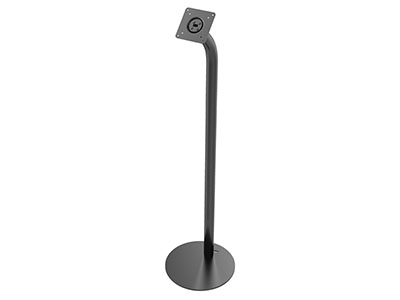
Fixed Floor Mount Stand
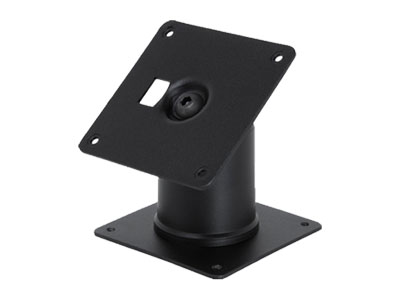
Desktop Monitor Stand
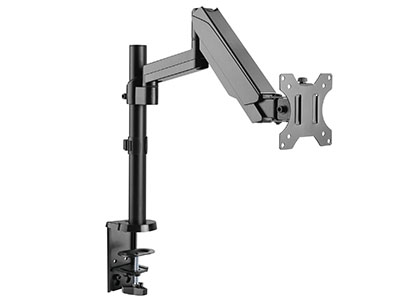
Desk Monitor Mount
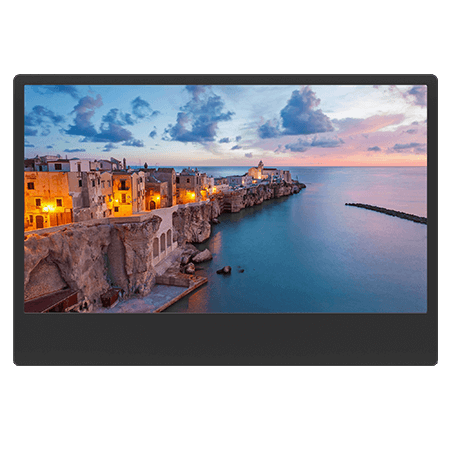
Monitors with VESA Mount Support




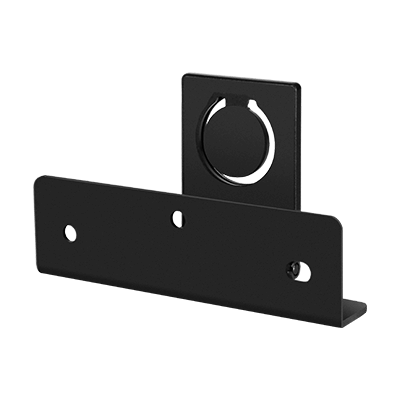
Specialized Mounting Plate– Quick-Release Wall Mount Bracket
A mounting plate connects the monitor to a wall mount or monitor arm, allowing quick mounting and removal. Most VESA mounting kits on the market consist of two parts: a fixed mounting bracket and a monitor mounting plate. This design is widely used in wall-mounted display setups for easier installation and removal.
Based on the concept of quick release, GeChic developed a Quick-Release Mounting Plate specially for portable monitors. It can be attached to a wall or a VESA 75 stand. By simply sliding the monitor's built-in quick-release port into the mounting plate, the monitor can be installed or removed in seconds, making setup easier and enabling a compact, space-saving installation. It also supports one-step removal, fine tilt adjustment, and flexible use with both wall mounts and desktop stands.


▲ M161H monitor wall-mounted with a quick-release plate, supporting horizontal and vertical modes.

▲ M161H monitor installed on a T1S5 rotating stand with a quick-release plate, supporting horizontal and vertical modes.

▲ M153U monitor installed on a T1S5 rotating stand with a Quick-Release Wall Mount Plate II, supporting horizontal and vertical modes.